
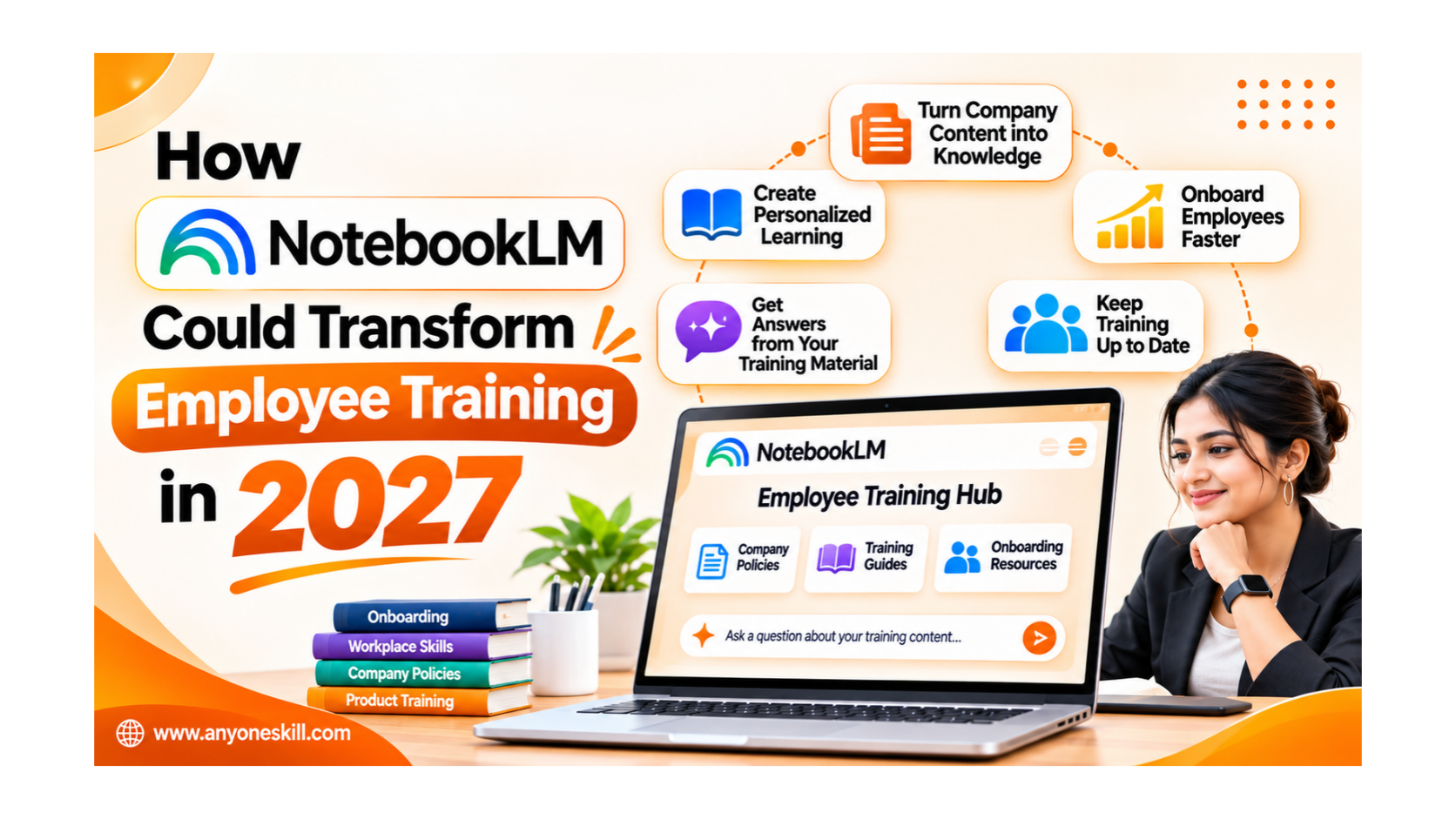
How NotebookLM Could Transform Employee Training in 2027
Have you ever spent hours reading training documents at work, only to struggle to find the information you actually need?
Whether you're a new employee learning company policies, an HR professional managing employee onboarding, or a team leader training your staff, finding the right information at the right time can be challenging.
Imagine having an AI tool that helps you understand lengthy training documents in minutes, answers questions using your company's learning materials, and creates summaries, quizzes, and audio lessons to make learning easier.
That's where Google's NotebookLM can make a difference.
NotebookLM is an AI-powered research and learning tool that helps turn existing documents into interactive learning resources. Instead of searching through multiple PDFs, presentations, and training manuals, employees can ask questions, explore important topics, and learn at their own pace.
As workplaces continue adopting AI in 2027, tools like NotebookLM could change how companies train employees, share knowledge, and support professional development.
1. What Is NotebookLM, and Why Does It Matter for Employees?
NotebookLM is an AI-powered research and learning tool from Google. In July 2026, Google renamed it Gemini Notebook, although many users still recognize the NotebookLM name.
Unlike a traditional document folder, where employees must manually search through files, NotebookLM allows users to ask questions about the information they have added.
For example, an employee can upload training manuals, company policies, meeting notes, or product guides and ask:
"Explain our company's leave policy in simple language.", "What are the five most important things I should learn as a new employee?", "Create a training checklist from this document.", "Summarize the product information I need before meeting a customer."
The tool can generate answers based on the provided sources and show citations to help employees verify the information.
Why this matters: Instead of spending significant time searching through documents, employees can find relevant information and focus more on understanding and applying it.
2. Why Employee Training Needs to Change by 2027
Workplace skills are constantly changing. Employees are expected to understand new software, adopt AI tools, follow updated processes, and improve their performance.
However, many traditional training approaches create difficulties.
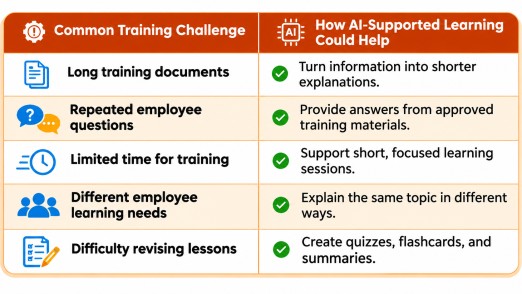
3. Five Ways NotebookLM Could Transform Employee Training

1. Make New Employee Onboarding Easier
Starting a new job often involves learning company policies, responsibilities, internal tools, and work processes.
HR teams can organize approved onboarding documents into a notebook so new employees can ask questions and review information at their own pace.
Example: A new employee asks, "What steps should I complete during my first week?" and receives a checklist based on the company's onboarding guide.

2. Turn Training Documents into Audio Lessons
Not every employee prefers reading lengthy documents.
NotebookLM's Audio Overviews can transform source information into an audio discussion, helping employees listen to important concepts during suitable learning periods.
Example: A sales employee listens to an overview of a new product guide before preparing for a customer meeting.
Audio lessons are useful for revision, although employees should verify important details against the original documents.
3. Make Employee Training More Interactive
Reading information is only the beginning. Employees also need opportunities to check whether they understand it.
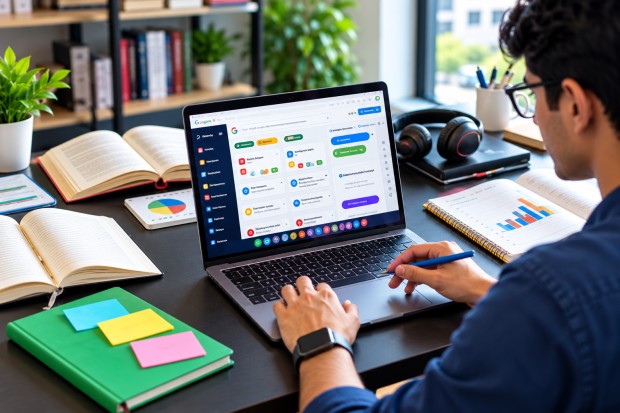
NotebookLM supports features such as flashcards, quizzes, study guides, and mind maps.
Example: After completing a customer support training guide, employees can practise answering questions about handling complaints and explaining company policies.
This can support self-assessment before formal evaluations.

4. Support Different Learning Needs
Employees have different experience levels, responsibilities, and learning preferences.
The same training material can be explained as a beginner-friendly overview, a detailed guide, or a set of practical questions.
Example: A beginner asks for a simple explanation of CRM software, while an experienced sales professional requests a comparison of CRM workflows.
Both can learn from the same approved training materials while exploring different questions.

5. Build a Shared Team Knowledge Resource
Important company knowledge is often scattered across documents, presentations, and individual employees.
Teams could organize relevant information into topic-specific notebooks and share them with authorized colleagues.
Example: A customer support team maintains one notebook containing approved product FAQs, escalation procedures, and troubleshooting guides.
This can make frequently used information easier to find and support more consistent training.
Here is one practical way to get started.
Step 1: Create a training notebook
OpenNotebookLMand create a new notebook.
Name it Employee Onboarding and Training Guide.
Step 2: Add approved training materials
Upload or import documents such as the employee handbook, workplace policies, department guidelines, and FAQs.
Avoid adding confidential or personal employee information without authorization.
Step 3: Ask questions about the documents
Use the chat section to request explanations, summaries, checklists, or instructions based on the uploaded materials.
Step 4: Generate learning resources
Use the Studio features to create an Audio Overview, study guide, or quiz where available.
Review the output to make sure it reflects your organization's actual policies.
Step 5: Share with authorized employees
Step 5: Share with authorized employees
Share the notebook using appropriate access permissions, and explain how employees can use it during onboarding.
Update the source materials when policies or procedures change.
What Could Employee Training Look Like in 2027?
By 2027, organizations may increasingly combine instructor-led training, self-paced courses, and AI-supported knowledge tools.
NotebookLM could contribute to several important changes:
Learning when help is needed: Employees may be able to access relevant explanations while completing their everyday responsibilities rather than waiting for the next formal training session.
More independent learning: Employees could use study guides, audio resources, and quizzes to revise unfamiliar topics and identify where they need further guidance.
Less repetitive work for trainers: HR and learning teams could spend less time repeatedly explaining the same documented procedures and more time supporting employees with practical challenges.
Faster access to updated knowledge: When organizations maintain current source materials, employees could work with more relevant training information rather than relying on outdated handouts.
These are potential workplace benefits, not guaranteed outcomes. Their success will depend on document quality, organizational policies, employee adoption, and appropriate human oversight.
Important Things to Know Before Using NotebookLM at Work
Despite its useful features, NotebookLM should not be treated as a replacement for professional trainers, managers, or official company policies.
There are a few important precautions.
Check important answers: AI-generated explanations can contain mistakes. Verify critical information using source citations.
Protect company information: Only upload documents permitted by your organization's security and privacy policies.
Keep information updated: An AI assistant cannot reliably explain the latest company policy if the source material is outdated.
Use human review: HR, legal, compliance, and safety-related training materials should be reviewed by the appropriate professionals.
Is NotebookLM Worth Learning Before 2027?
For employees, trainers, and businesses that regularly work with documents, NotebookLM is a useful AI tool to explore today.
It can help turn existing information into more accessible learning materials without requiring employees to start every learning task from scratch.
Its greatest value is not simply generating summaries or answering questions. It is helping people engage with information, understand concepts, and apply knowledge to real tasks.
Employees who become comfortable using AI-supported learning tools may be better prepared to adapt to new workplace processes and technologies.
Conclusion: The Future of Employee Learning
Employee training is not just about completing courses or attending workshops. It is about helping people develop the knowledge and skills they need to perform their jobs confidently.
As we move toward 2027, tools like NotebookLM could make workplace learning more flexible, interactive, and accessible.
For HR managers, this could mean easier onboarding. For team leaders, it could mean more organized knowledge sharing. And for employees, it could mean having useful learning resources available whenever new questions arise.
The future of workplace training may not be about learning more information at once. It may be about making the right information easier to learn and use at the right time.