
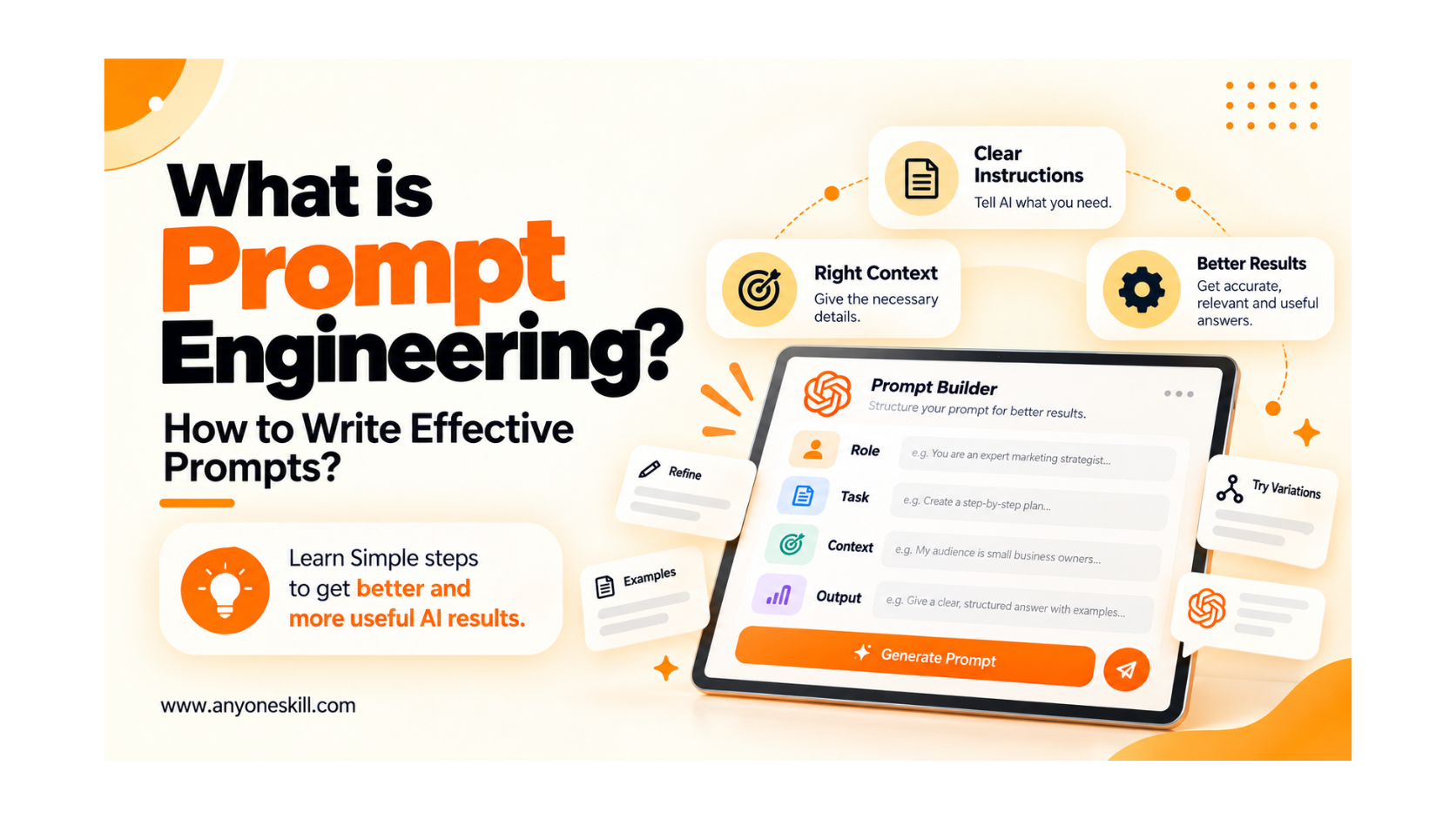
What is Prompt Engineering? How to write Effective Prompts?
Artificial intelligence tools can generate ideas, write content, summarize information, answer questions, and help with many everyday tasks. But the quality of the result often depends on one important thing: how clearly you communicate what you want.
A simple or vague instruction may produce a generic response, while a well-structured prompt can help AI deliver a more relevant, accurate, and useful result. This is where prompt engineering becomes important.
Prompt engineering is the process of creating clear and effective instructions for AI so it can better understand your goal, context, and expected output. You do not need to be a programmer to get started. With a few practical techniques, anyone can learn how to write better prompts.
In this blog, we will understand what prompt engineering is, why it matters, how to write effective prompts, common mistakes to avoid, and practical examples you can use in real-life situations.
What Is Prompt Engineering?
Prompt engineering is the process of writing clear and effective instructions for AI tools so they can understand what you want and then they give you a useful and correct result.
A prompt can be a question, command, description, or set of instructions that you give to an AI tool. For example, you might ask ChatGPTto explain a topic, write an email, summarize information, or generate ideas. Similarly, you can give a text description to DALL·E to create an image based on your instructions.
For example, instead of writing:
“Create an image of a student.”
You could write:
“Create a realistic image of a college student studying on a laptop in a bright classroom, with a clean and professional style.”
The second prompt gives the AI more information about the subject, environment, and style, which can help it produce a result that is closer to what you actually want.
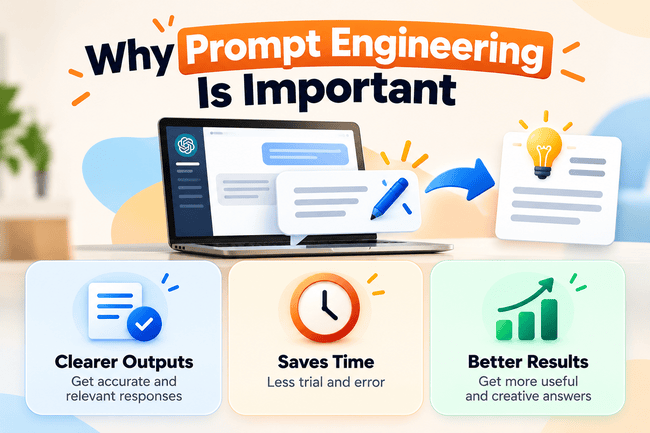
Why Is Prompt Engineering Important?
Prompt engineering is important because AI tools work better when they clearly understand what you want. The quality of the instructions you give can directly affect how relevant, accurate, and useful the response is.
For example, instead of asking:
“Write about digital marketing.”
A more effective prompt would be:
“Explain digital marketing in simple language for beginners. Cover its main types, benefits, and one real-world example.”
“Explain digital marketing in simple language for beginners. Cover its main types, benefits, and one real-world example.”
The second prompt gives the AI more context and direction, so it is more likely to produce a focused and useful answer.
What Makes a Prompt Effective?
An effective prompt is a clear and specific instruction that helps an AI tool understand what you want, why you need it, and how you want the answer to be presented.
The quality of an AI response often depends on the information and direction provided in the prompt. A vague prompt can produce a broad or less relevant response, while a well-written prompt gives the AI enough context to generate a more accurate, relevant, and useful result.
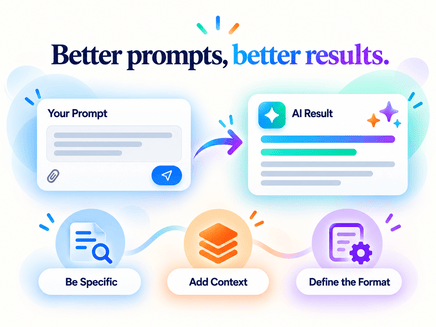
How to write Effective Prompts to achieve optimal results?
To get better results from AI tools like ChatGPT, Gemini, orClaude, you need to give them clear and useful instructions. An effective prompt tells the AI exactly what you want, who the response is for, what information should be included, and how the final answer should be presented.
You do not need to make your prompt complicated. A simple and well-structured prompt is often enough to improve the quality of the response.
1. Clearly Define Your Goal
Start by telling the AI exactly what you want it to do. Avoid vague instructions that can have many possible meanings.
Instead of:
“Tell me about social media.”
“Tell me about social media.”
Try:
“Explain how social media marketing helps small businesses attract customers.”
“Explain how social media marketing helps small businesses attract customers.”
A clear goal helps the AI focus on the right information.
2. Provide Relevant Context
Give the AI enough background information to understand your situation. Context helps make the response more relevant to your actual needs.
For example:
“I'm creating a beginner-friendly blog for college students about digital marketing.”
Now the AI understands both the purpose of the content and its intended audience.
3. Be Specific About Your Requirements
Mention the important details you want included in the answer. You can specify topics, examples, length, level of detail, or anything else that matters.
For example:
“Explain SEO, content marketing, social media marketing, and email marketing with one simple example for each.”
Specific instructions reduce guesswork and help the AI create a more focused response.
4. Mention Your Target Audience
Tell the AI who will read or use the response. Content written for beginners will be different from content written for experienced professionals.
For example:
“Explain artificial intelligence for beginners who have no technical background.”
This helps the AI choose appropriate vocabulary, examples, and level of explanation.
5. Specify the Desired Format
Tell the AI how you want the information to be organized.
You can ask for:
Bullet points, Step-by-step instructions, A table, A blog article, A summary, An email, A social media caption
For example:
“Explain the process in 6 simple steps and include one example.”
This makes the final response easier to use.
6. Define the Tone and Style
If the content needs a particular tone, mention it in the prompt.
For example:
“Use simple, professional, and easy-to-understand language.”
You can also request a friendly, formal, educational, persuasive, conversational, or creative style depending on your purpose.
7. Provide an Example When Necessary
If you want a particular type of result, giving an example can help the AI understand your expectations more clearly.
For example:
“Create three headline options similar in style to: ‘Learn Excel Faster with Simple Practical Steps.’ ”
Examples are especially useful when working on writing style, formatting, design ideas, or creative content.
8. Refine the Prompt Based on the Response
You do not always need to get the perfect result from the first prompt. You can improve the response by giving follow-up instructions.
For example:
“Make the explanation shorter.”
“Use a more beginner-friendly example.”
“Add practical tips.”
“Rewrite this in a professional tone.”
“Use a more beginner-friendly example.”
“Add practical tips.”
“Rewrite this in a professional tone.”
Prompting is often an iterative process. Small improvements in your instructions can significantly improve the final result.
Common Prompt-Writing Mistakes to Avoid
Writing a good prompt is not only about telling AI what to do. It is also important to avoid common mistakes that can make the response vague, incomplete, or less useful.
Here are some of the most common prompt-writing mistakes and how to avoid them.
1. Using Vague or General Instructions
One of the most common mistakes is giving a prompt that is too broad.
Weak prompt:
“Write about marketing.”
“Write about marketing.”
This does not tell the AI what type of marketing, who the audience is, or what information should be included.
Better prompt:
“Explain digital marketing for beginners and cover SEO, social media marketing, email marketing, and content marketing with simple examples.”
“Explain digital marketing for beginners and cover SEO, social media marketing, email marketing, and content marketing with simple examples.”
Why it matters:
The more specific the instruction is, the easier it becomes for the AI to understand your exact requirement.
The more specific the instruction is, the easier it becomes for the AI to understand your exact requirement.
2. Not Providing Enough Context
AI may not know the background of your task unless you explain it.
For example:
Weak prompt:
“Create a presentation.”
“Create a presentation.”
The AI does not know the topic, purpose, audience, or number of slides.
Better prompt:
“Create a 10-slide presentation about social media marketing for small business owners. Use simple language and include practical examples.”
“Create a 10-slide presentation about social media marketing for small business owners. Use simple language and include practical examples.”
Why it matters:
Context helps the AI generate a response that matches your situation instead of making unnecessary assumptions.
Context helps the AI generate a response that matches your situation instead of making unnecessary assumptions.
3. Not Mentioning the Target Audience
The same topic may need to be explained differently for beginners, students, professionals, customers, or experts.
For example:
General prompt:
“Explain artificial intelligence.”
“Explain artificial intelligence.”
Improved prompt:
“Explain artificial intelligence to beginners with no technical background using simple everyday examples.”
“Explain artificial intelligence to beginners with no technical background using simple everyday examples.”
Why it matters:
Mentioning the audience helps the AI choose the right language, depth, and examples.
Mentioning the audience helps the AI choose the right language, depth, and examples.
4. Expecting a Perfect Result from the First Prompt
Prompting often works best as an interactive process.
If the first answer is not exactly what you need, you can improve it with follow-up instructions.
For example:
“Make this easier to understand.”
“Give me a more practical example.”
“Shorten this section.”
“Make the tone more professional.”
“Add a comparison table.”
Why it matters:
Refining the prompt allows you to guide the AI toward a better final result.
Refining the prompt allows you to guide the AI toward a better final result.
Want to Learn Prompt Engineering in a Structured Way?
Understanding the basics is a good starting point, but effective prompting becomes easier with regular practice and real examples.
If you would like to explore prompt writing step by step, you can continue learning or exploring through the Practical AI Learning Resources.
Want to see prompting in a real AI use case
Effective prompting becomes easier to understand when you see how it works with an actual AI assistant. Different AI tools can support tasks such as writing, research, learning, planning, and document analysis - but the quality of the result often depends on how clearly you communicate your requirements.
To explore practical examples of using prompts with Claude AI for work, study, and everyday tasks, you can also read:
This guide shows how clear instructions and useful context can help you get more relevant results from an AI assistant.
Need Guidance for Your Career or Skill Development?
Choosing what to learn next can sometimes be difficult, especially when there are many different skills, tools, and career paths available.
If you are unsure about which skill or learning path may be suitable for your goals, you can submit the Career Guidance Form.
Final Tip
The goal of an effective prompt is not to make it longer - it is to make it clearer. Include only the information that helps the AI understand your objective and expected output.
A well-written prompt reduces unnecessary assumptions and makes it easier for AI to produce responses that are more relevant, accurate, structured, and useful for your purpose.