
Course Details

(0) Rating

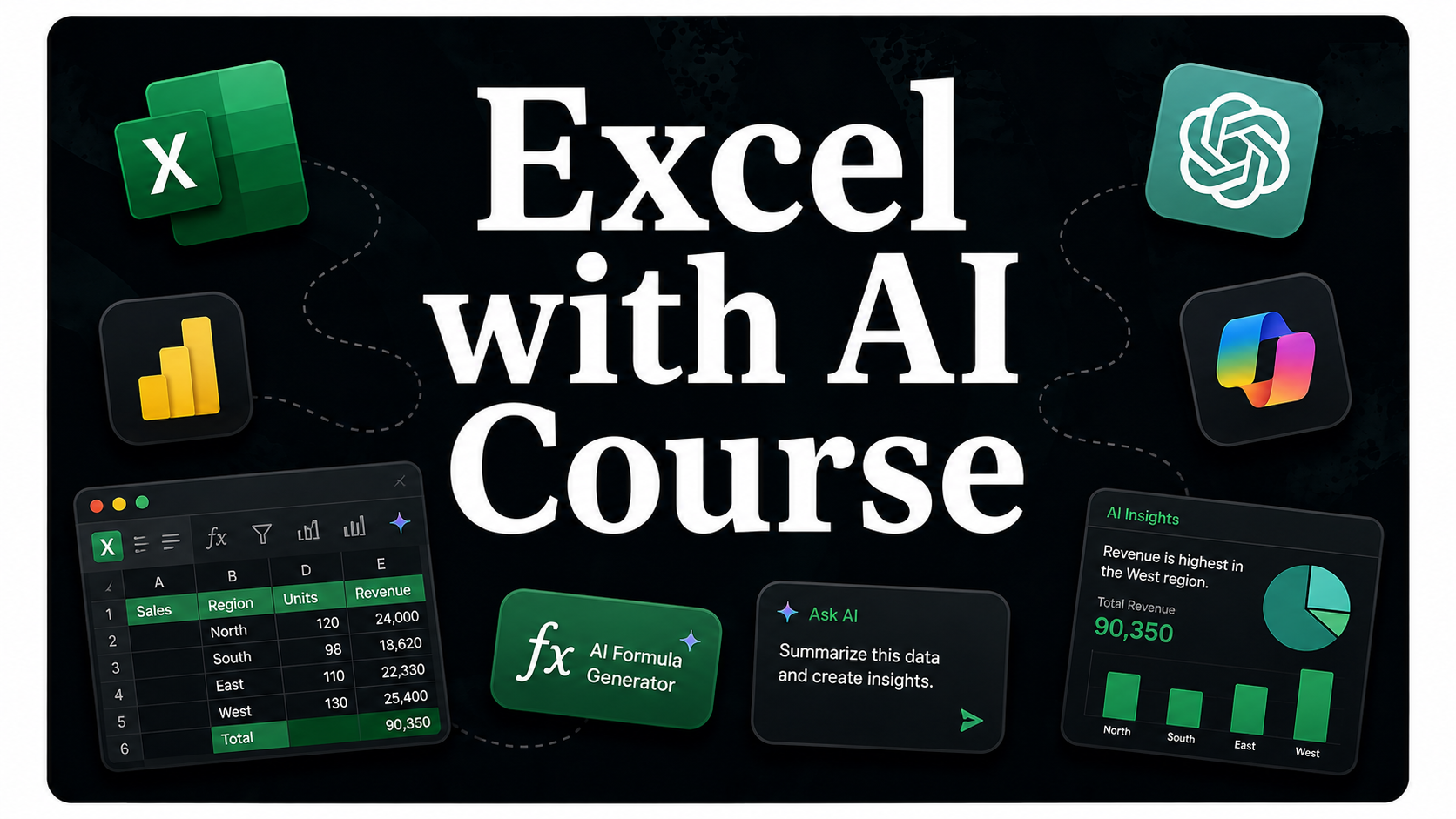
Excel with AI Course

Master Microsoft Excel with the power of AI and learn how to analyze data, automate tasks, and create professional reports with ease. This practical course covers Excel formulas, functions, charts, data analysis, dashboards, AI-powered features, and productivity techniques. Gain hands-on experience to work faster, make smarter decisions, and improve your career opportunities.

Instructor profile image
Pooja Sondhiya
Professional
AI Courses

Course Overview

Excel with AI Masterclass: Analyze Data Smarter & Work More Efficiently

Want to master Microsoft Excel and boost your productivity with AI? This practical course is designed for students, professionals, job seekers, business owners, freelancers, and aspiring analysts who want to work with data more efficiently and make better decisions.

Throughout this course, you will learn Excel fundamentals, formulas and functions, data formatting, sorting and filtering, charts, PivotTables, dashboards, data analysis, and reporting. You'll also discover how AI can simplify data cleaning, formula generation, report creation, data visualization, and everyday Excel tasks, helping you save time and improve accuracy.

The course includes hands-on exercises, practical datasets, and real-world business scenarios to help you build confidence using Excel in professional environments. By the end of this course, you'll be able to organize data, analyze information, create interactive dashboards, automate repetitive tasks with AI, and use Excel effectively for business, office, and analytical work.

What You Will Learn

  • Introduction to Microsoft Excel
  • Essential formulas and functions
  • Data formatting and data management
  • Sorting, filtering, and data validation
  • Charts and data visualization
  • PivotTables and PivotCharts
  • Dashboard creation and reporting
  • AI-powered Excel features and automation
  • Data analysis using Excel and AI
  • Real-world projects and best practices

Tools Covered

  • Microsoft Excel
  • Microsoft Copilot for Excel
  • ChatGPT
  • Google Gemini
  • Microsoft Power Query
  • Microsoft Power Pivot

This course is ideal for students, freshers, professionals, business owners, freelancers, aspiring data analysts, and anyone who wants to improve their Excel skills and use AI to work faster, smarter, and more efficiently.
Learning Outcomes

  • Use Microsoft Excel confidently for everyday business and data-related tasks.
  • Apply formulas and functions to organize, calculate, and analyze data efficiently.
  • Create professional charts, PivotTables, and interactive dashboards.
  • Clean, format, and manage data accurately using Excel tools.
  • Use AI to generate formulas, automate repetitive tasks, and improve productivity.
  • Analyze business data and create meaningful reports for better decision-making.
  • Apply Excel and AI together to solve real-world data problems more efficiently.
  • Develop job-ready skills that are valuable across multiple industries.

Course Requirements

  • No prior Excel or AI experience is required. This course is beginner-friendly.
  • Basic computer and internet browsing skills.
  • A laptop or desktop computer with a stable internet connection.
  • Microsoft Excel (Microsoft 365 or Excel 2019 or later is recommended).
  • A Microsoft account to access AI-powered Excel features, where applicable.
  • Willingness to learn, practice, and work with real-world datasets.
  • Curiosity to improve productivity and analyze data more efficiently using Excel and AI.

Course FAQS

1. Is this course suitable for beginners?
2. Who should enroll in this course?
3. Do I need prior Excel experience?
4. What will I learn in this course?
5. Which AI tools will be covered?
6. Will I work on practical projects?
7. Will I receive a certificate after completing the course?
8. Can this course help me in my career?
9. How can I get help if I have questions during the course?

Course Curriculum

Course Instructor

Instructor profile image
Pooja Sondhiya
Localization Specialist
pooja@gmail.com

Learn from an experienced trainer with practical knowledge of Translation, Localization, and Project Management. Get step-by-step guidance from basics to advanced level with real project workflow, CAT tools, quality management, and career support.

Course Reviews

0

Out of 0 Rating

0 Rating
0 Rating
0 Rating
0 Rating
0 Rating
Course thumbnail
This Course Includes:
Duration
3 Hours
Course Level
Professional
Lessons
0
Tags
Excel with AI Course
Language
English Hindi
Certificate
Yes
Price
₹599
Up Coming
Related Course

Explore Related Courses